
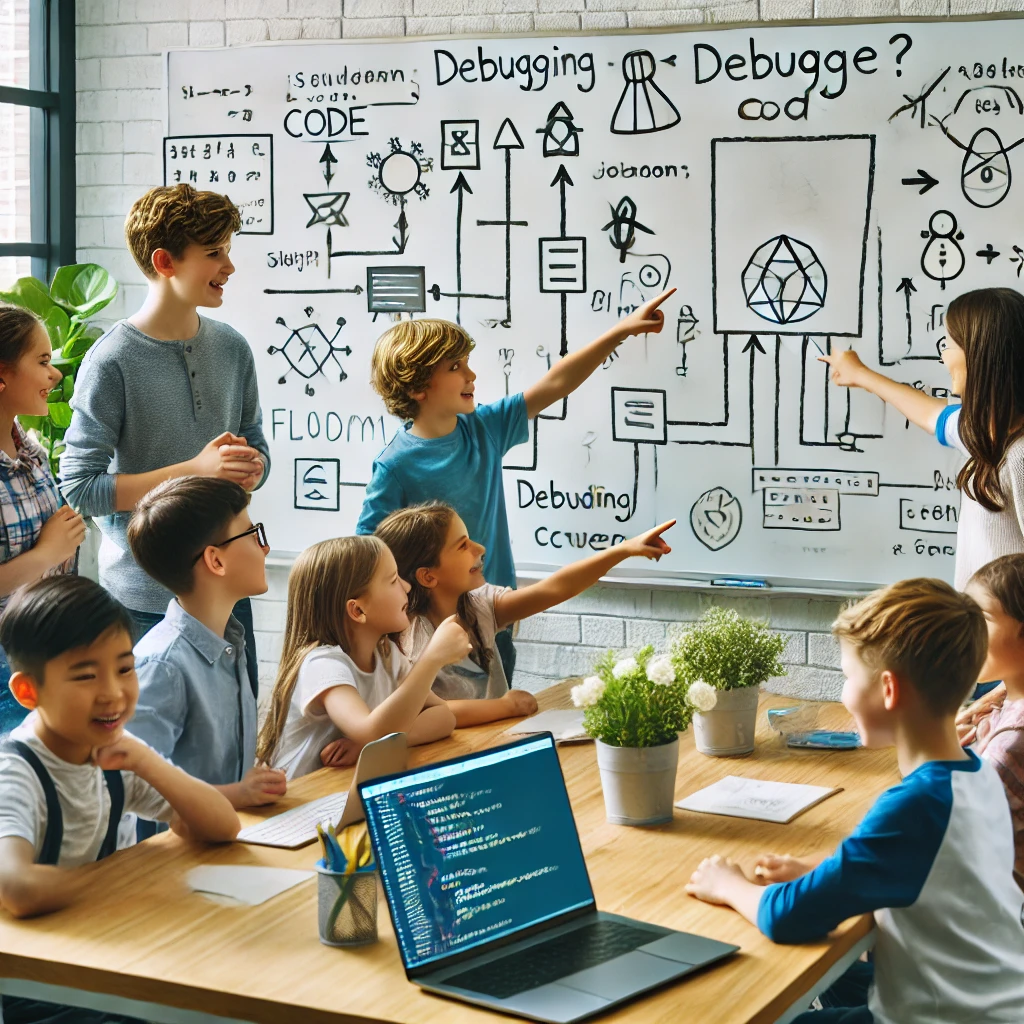
Debugging is a critical skill in coding and problem-solving. Teaching kids how to find and fix errors in their code builds logical thinking, patience, and creativity. Whether they’re using Scratch, Python, or block coding tools, helping children understand debugging will make them better coders and problem-solvers.
In this guide, we’ll explore what debugging is, why it’s important, and step-by-step methods to teach debugging effectively.
What is Debugging?
Debugging is the process of finding and fixing errors (bugs) in a program. These errors can be:
🔹 Syntax Errors – Mistakes in code structure (e.g., missing a bracket).
🔹 Logic Errors – When the program runs but gives incorrect results.
🔹 Runtime Errors – The program crashes during execution.
📌 Recommended Resource: CS Unplugged – Debugging Activities
📌 Related BADA Education Article: How to Teach Coding to Beginners
Step 1: Start with Unplugged Debugging Activities
Before jumping into coding, teach debugging as a problem-solving concept with simple unplugged activities.
Fun Unplugged Debugging Games
🧩 Spot the Error – Show kids a pattern or sequence with a mistake and let them find it.
🎭 Step-by-Step Debugging – Have one student give instructions while another follows and corrects mistakes.
📖 Debugging Stories – Read a short story with intentional errors and let students correct them.
📌 Recommended Resource: CS First – Debugging for Kids
📌 Related BADA Education Article: Best Offline Coding Games for Kids
Step 2: Teach Kids the Debugging Process
Encourage kids to follow these steps when debugging their code:
1️⃣ Read the Error Message – Many platforms like Scratch highlight errors.
2️⃣ Think Step by Step – Ask, “What is the program supposed to do?”
3️⃣ Check for Simple Mistakes – Look for missing commands, typos, or misplaced blocks.
4️⃣ Test One Change at a Time – Encourage trial and error.
5️⃣ Use Print Statements – In text-based coding, print outputs help find mistakes.
📌 Recommended Resource: Code.org – Debugging Lessons
📌 Related BADA Education Article: Best Strategies for Teaching Kids to Code
Step 3: Use Visual Debugging Tools
Many coding platforms have built-in debugging features that help kids identify and fix problems.
Best Debugging Tools for Kids
🎮 Scratch – Highlights errors in block-based coding.
🧩 Blockly – Helps kids visually structure code.
💻 Tynker – Provides debugging challenges for young learners.
🐍 PythonTutor – Step-by-step visual debugging for Python.
📌 Recommended Resource: MIT Scratch Debugging Guide
📌 Related BADA Education Article: Best Coding Platforms for Kids
Step 4: Encourage Kids to Think Like a Debugger
Teach kids to ask critical thinking questions when debugging:
🔎 What is the expected output?
🔎 What did I change recently?
🔎 What happens if I test a small part of my code?
Debugging Mindset Tips:
✅ Encourage curiosity – Mistakes are learning opportunities!
✅ Use trial and error – Changing one thing at a time helps kids find problems faster.
✅ Celebrate small victories – Fixing a bug is an achievement!
📌 Recommended Resource: Google CS First – Debugging
📌 Related BADA Education Article: Why Every Kid Should Learn to Code
Step 5: Make Debugging Fun with Challenges & Games
Best Debugging Games for Kids
🎮 Fix the Code – Give kids incorrect code and let them fix it.
🧩 Debugging Maze – Have kids debug a set of step-by-step instructions.
🎭 Act Out the Bug – Students role-play as “computers” and “programmers” to find errors.
📌 Recommended Resource: Kodable – Debugging Games
📌 Related BADA Education Article: Best Interactive Coding Games for Kids
Step 6: Celebrate Debugging Success
🎉 Encourage kids to showcase their debugging skills by:
📢 Sharing fixed projects – Let them present before & after versions.
🏆 Giving rewards – Stickers, certificates, or leaderboards for debugging challenges.
📖 Creating a Debugging Journal – Kids can log their errors and solutions.
📌 Recommended Resource: Studentreasures – Create a Debugging Book
📌 Related BADA Education Article: Showcasing Kids’ Coding Work
Conclusion
Teaching debugging doesn’t have to be frustrating—it can be fun and engaging! By using games, visual tools, and real-world examples, kids can develop strong problem-solving skills and a growth mindset.
🚀 Want More Free Coding Resources? Visit BADA Education for lesson plans, coding activities, and hands-on programming challenges!